BeepBox Drums: How to Make Better Kick, Snare, and Hat Patterns
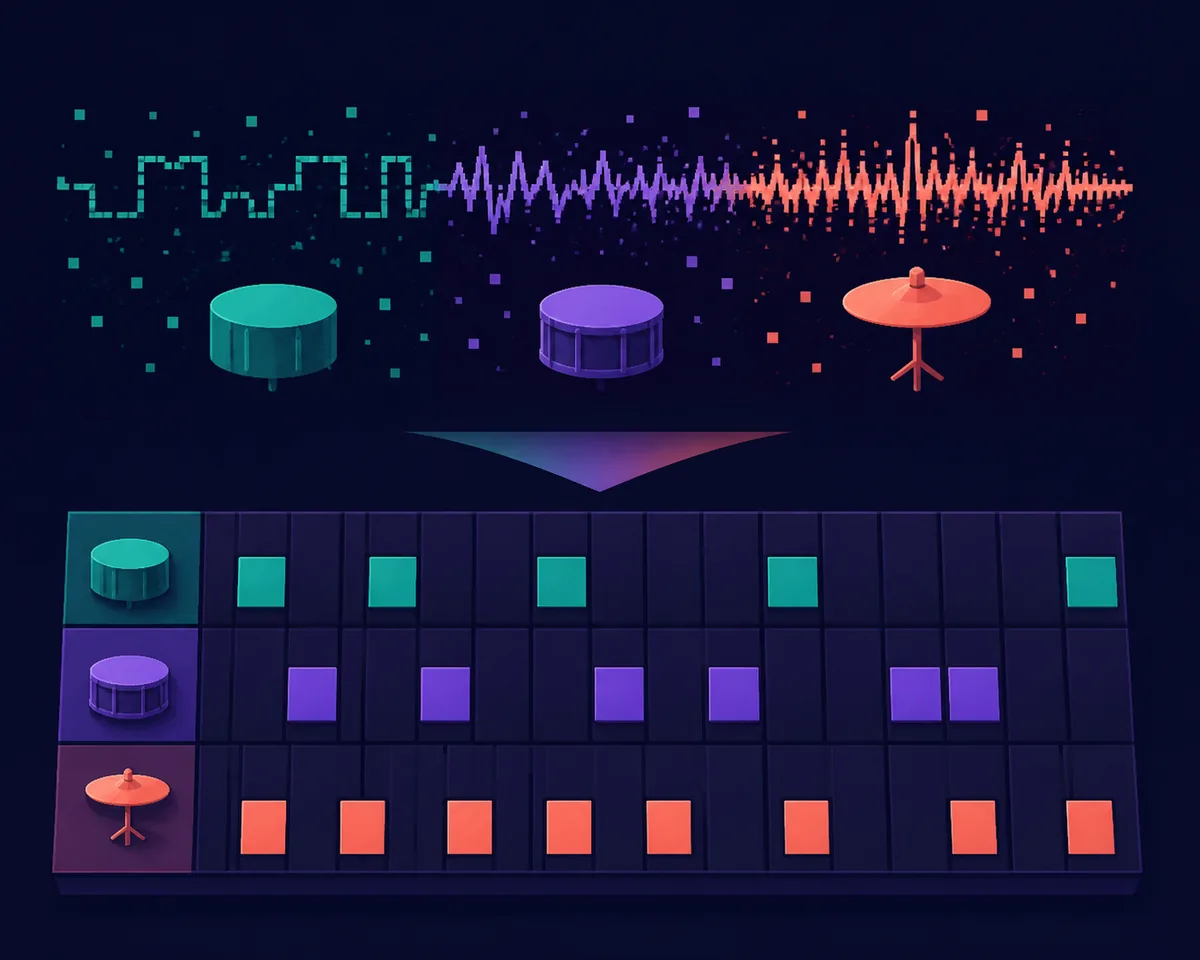
BeepBox drums become much easier when you stop searching for one perfect preset and build a small groove from three jobs: a short low hit for the pulse, a noisy midrange hit for the backbeat, and a light high hit for motion. This guide shows how to make good drums in BeepBox, how to choose a useful snare shape, and how to turn an easy pattern into a BeepBox song without filling every step.
In This Guide
The Short Answer: Use a Small Groove Before a Big Kit
The fastest way to make usable BeepBox drums is to write a one- or two-bar pattern with a kick, a snare, and a quiet high percussion voice. Put the kick where the pulse needs support, place the snare on the backbeat, and add the high part only after the low and middle hits already feel clear. A pattern with fewer notes is easier to tune, easier to hear on phone speakers, and easier to expand into a song.
Do not begin by copying a full acoustic kit. Chiptune percussion works because a small number of short sounds create contrast. If every step is active, the ear loses the difference between a downbeat, a backbeat, and a fill. Leave gaps on purpose, then use one changed hit at the end of the phrase to signal that the loop is about to restart.
How BeepBox Drums Work
BeepBox-style editors treat rhythm as a note-and-sound-design problem rather than a folder of ready-made audio loops. The same short noise source can suggest a kick, snare, hat, click, or transition when you change its pitch, duration, envelope, and placement. The exact controls differ between BeepBox versions and forks, so use the current editor as the final authority for menu names and available instruments.
Think of each drum voice as a job. You do not need a realistic acoustic recording; you need a recognizable role that survives the small speaker test. The table below is a practical starting map for both BeepBox and UltraBox.
| Role | First sound to try | Typical placement | Listen for |
|---|---|---|---|
| Kick or low hit | Short, darker burst with a clear initial thump | Beat one first; add another hit only when the loop needs it | Does it mark the pulse without masking the bass? |
| Snare or backbeat | Noisy midrange hit with a sharp attack | Often beats two and four in a simple four-beat phrase | Can you hear the backbeat at low volume? |
| Hat or high tick | Very short bright sound with little tail | Repeated subdivisions, with some steps intentionally missing | Does it add motion without becoming static noise? |
| Fill or transition | A changed pitch, longer burst, or one extra accent | Last beat or last two steps of a phrase | Does it point back to the first beat? |
An Easy 8-Step BeepBox Drum Pattern
Start with eight steps so you can hear the relationship between the parts quickly. If your editor is using a longer pattern, treat this as the first half of a 16-step loop. The pattern is intentionally plain: it gives you a stable reference before you experiment with syncopation or fills.
| Voice | Steps | Why it works |
|---|---|---|
| Kick | 1 and 5 | Creates a clear two-part pulse without crowding the bass. |
| Snare | 3 and 7 | Places the backbeat between the main kick hits. |
| Hat | 2, 4, 6, and 8 | Adds motion while leaving every other step open. |
| Fill | Change step 8 once every two loops | Creates variation without rewriting the whole groove. |
How to Make Good Drums in BeepBox
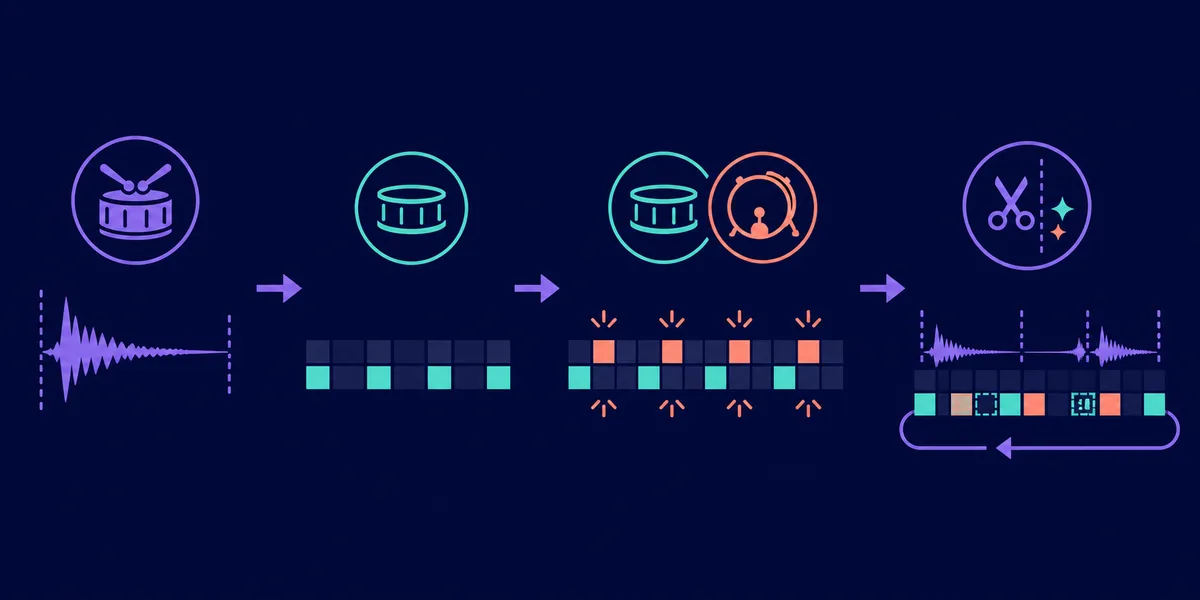
Start with a kick that marks the pulse
A kick does not need to be the loudest sound. It needs a fast attack and a low or dark character that makes the next beat easy to predict. If the kick is too long, it competes with the bass line. If it is too quiet, the rhythm loses its floor. Try a short hit first, then adjust its pitch or duration before adding more notes. The goal is a pulse you can tap with your foot, not a large low-frequency tail.
Use the snare as a backbeat, not a second kick
The snare should contrast with the kick. A noisy, brighter, slightly higher hit usually separates better than another dark thump. Keep the first pattern sparse and listen to the snare by itself. If it disappears, give it more attack or a little more body. If it sounds like a click, lengthen it slightly or lower the pitch until it has a readable center.
Add hi-hat motion last
Repeated high ticks are useful, but they can make a loop feel mechanical when every step is identical. Start with every second subdivision. Remove one hit before a snare, add a quiet extra hit before the loop turns around, or change the sound on the last step. Small gaps create more groove than simply increasing the number of notes.
Make one change at a time
When the groove is not working, do not change the sound, pattern, pitch, and volume at the same time. First mute the hat and check the kick-plus-snare relationship. Then restore the hat and test the spacing. Finally, change one sound parameter. This makes it much easier to tell whether the problem is arrangement or timbre.
Best Snare Sound on BeepBox: Shape, Pitch, and Duration
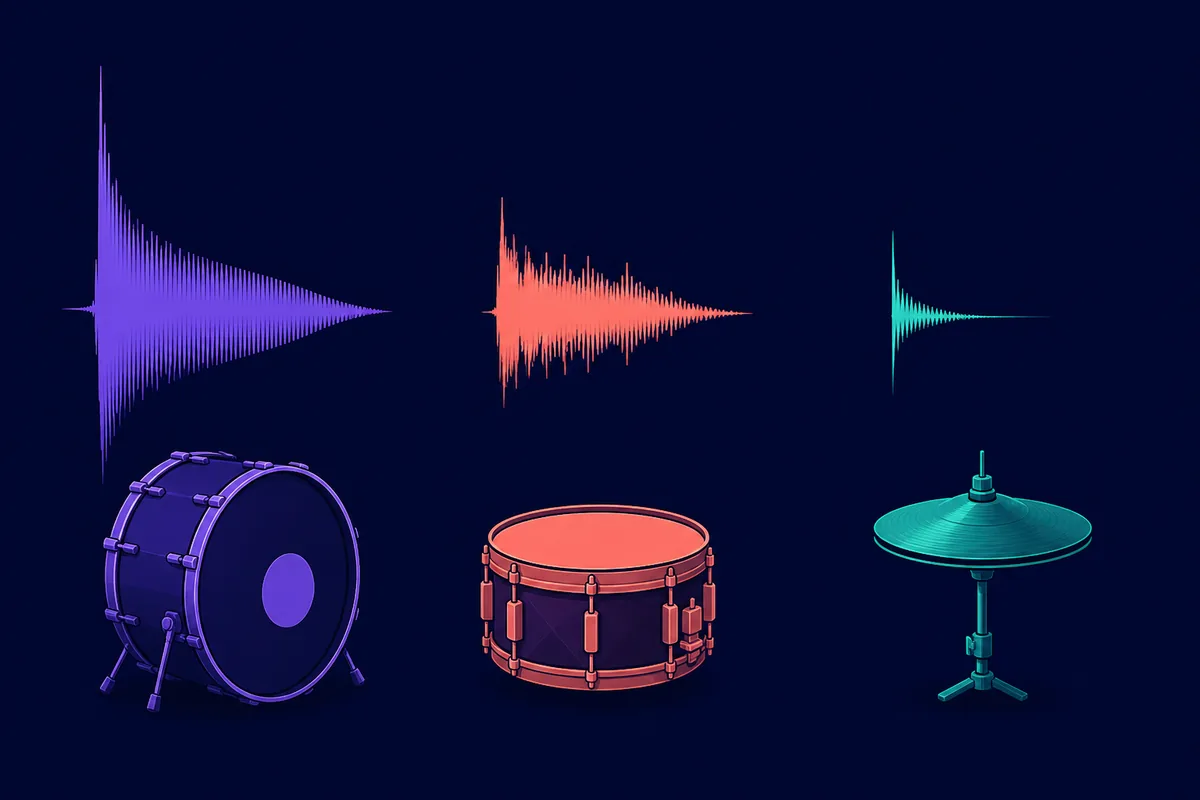
There is no universal best snare sound on BeepBox because the right choice depends on the tempo, bass, and style of the song. A useful starting point is a short, noisy midrange hit with a sharp front edge and a body that ends before the next important note. The snare should be recognizable even when the volume is low, but it should not turn every backbeat into a wall of static.
Compare three controls in this order: duration, pitch, and envelope. First make the hit short enough to leave space. Then move the pitch until the snare separates from the kick and bass. Finally, adjust the attack and decay so the hit has a clear start without a distracting tail. If the result still feels thin, add a tiny second texture rather than making the main hit much longer.
Small-Speaker Check
Play the loop quietly through laptop or phone speakers. You should still hear the pulse, the backbeat, and the phrase ending. If you only hear a flat stream of clicks, remove notes before reaching for more effects.
BeepBox Songs with Easy Drums: Three Starter Patterns
If you are writing your first BeepBox song, choose the groove according to the role you want the drums to play. A simple pattern leaves room for a melody. A busier pattern can carry the track, but it also makes every timing mistake more obvious. These three ideas are useful starting points rather than finished genres.
| Starter idea | Pattern | Best for | Next variation |
|---|---|---|---|
| Simple backbeat | Kick on the main pulse, snare between kicks, sparse hats | Learning a melody and bass at the same time | Mute one hat before the snare |
| Marching pulse | Repeated low hits with a short accent at the end of each bar | Short game loops and clear movement | Move the final accent one step earlier |
| Sparse game groove | Kick at the start, snare only once, high tick on selected steps | Melody-led songs that need breathing room | Add a second snare only in the repeat |
Once the first loop is stable, extend it by changing one layer at a time. The guide to making BeepBox songs longer can help you turn an eight-bar idea into sections without losing the original groove. If you are studying existing arrangements, the BeepBox songs guide explains how to inspect shared song URLs without copying an entire track blindly.
UltraBox Drum Tips: More Room, Same Discipline
These BeepBox drums principles also work in UltraBox. The bigger editor gives you more room for separate percussion roles, bass, samples, and melodic parts, but extra channels do not automatically create a better groove. Keep the first drum lane simple, then add another layer only when you can name its job: a transition, a texture, a counter-rhythm, or a different section color.
For an overview of the current channel and instrument options, see the UltraBox features guide. If you want to build a kit from custom audio, read the UltraBox samples guide first and keep imported sounds short enough that the rhythm remains clear. A custom sample is useful when it adds a specific character; it is not a substitute for arranging the pattern.
If you want the broader composition workflow, continue with how to make authentic chiptune music. The drum section is most effective when the bass, lead, and percussion each have enough space to be heard.
Common BeepBox Drum Mistakes
- Filling every step: remove notes first. Silence gives the remaining hits a clearer role.
- Using one sound for every job: separate the kick, snare, and hat by pitch, duration, or envelope.
- Making the snare too long: a tail that reaches the next beat can blur the bass and melody.
- Ignoring the last step: a small fill or missing hit can make the loop turn around naturally.
- Adding samples before testing the pattern: confirm the rhythm with simple sounds before troubleshooting custom audio.
- Changing several variables at once: isolate the pattern problem from the sound-design problem.
FAQ
How do I make good drums in BeepBox?
Start with a short kick on the main pulse, add a snare on the backbeat, and place a simple high tick pattern. Then remove or vary one hit at the end of the phrase. The most important improvement is usually more space, not more notes.
What is the best snare sound on BeepBox?
There is no single best snare. A short, noisy midrange hit with a clear attack is a reliable starting point. Tune it until it contrasts with the kick and remains audible at low volume.
What is an easy drum pattern for a BeepBox song?
Try kick on beats one and three, snare on beats two and four, and a quiet hat on repeated subdivisions. Leave at least one gap and change one ending hit every second loop.
Can I use these drum ideas in UltraBox?
Yes. Short-hit design, clear role separation, and controlled variation transfer directly to UltraBox. Its additional channels let you separate percussion and melody more easily, but the simple pattern is still the best place to start.
Official Sources
- Official BeepBox editor — check the current browser editor and available rhythm controls.
- Official UltraBox editor — verify the current fork behavior and instrument options.
- UltraBox source repository — project source and release context.
Try the Groove in UltraBox
Start with the kick, snare, and hat pattern above, listen on small speakers, and add only one new rhythmic idea at a time.