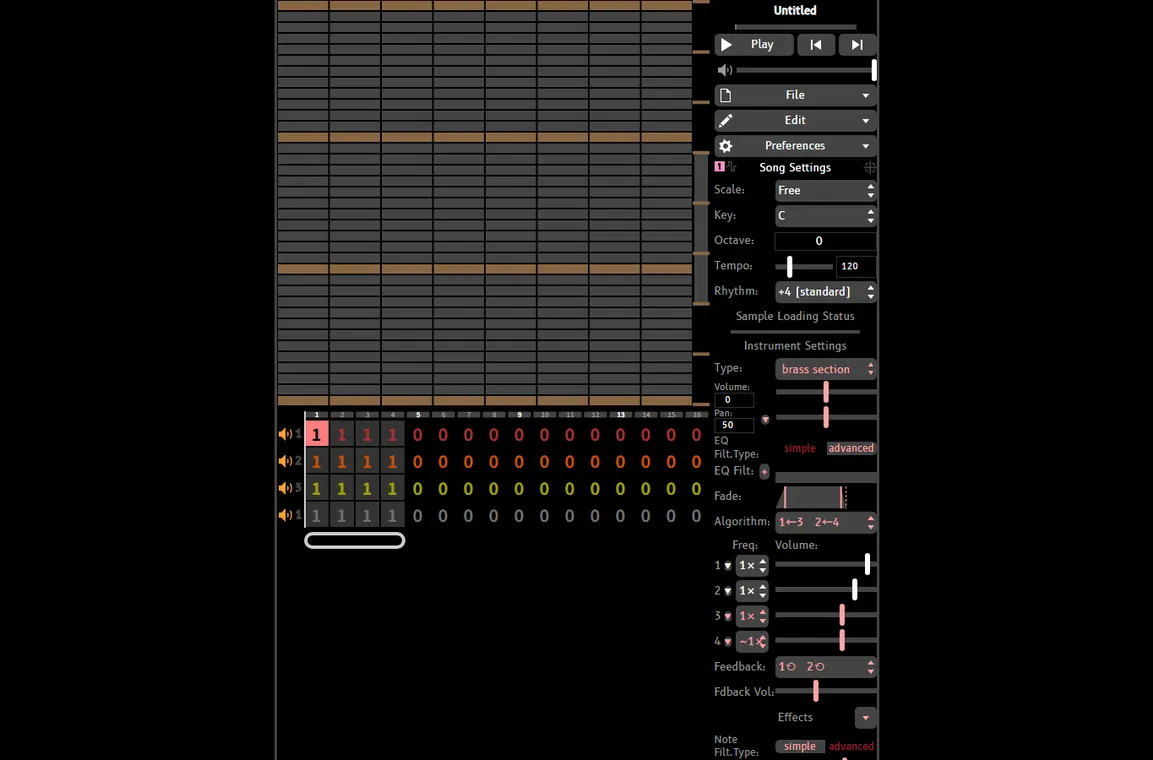
Import custom samples, convert soundfonts, and access built-in sample libraries to create unique chiptune sounds
UltraBox's sample system transforms it from a simple chiptune editor into a full-featured sampler. Import your own audio files, extract samples from soundfonts, or use our extensive built-in libraries. With precise loop control, multiple playback modes, and support for various audio formats, you can create sounds that go far beyond traditional chiptune limitations.
UltraBox comes with carefully curated sample libraries from classic video games and sound collections. Each library has been optimized for chiptune music creation and is ready to use instantly.
Classic chiptune samples from the original BeepBox and early mods. Perfect for authentic retro sounds.
High-quality samples extracted from Kirby games, featuring bright, cheerful sounds perfect for upbeat compositions.
Iconic samples from Mario Paint's music composer, including the famous creative sound effects and instruments.
Samples combining Nintendo and Atari aesthetics, offering a unique blend of classic console sounds.
Samples from Wario games featuring bold, punchy sounds with character and attitude.
Comprehensive drum sample collection covering various styles from acoustic to electronic.
Bring your own sounds into UltraBox by importing custom audio samples. Follow this step-by-step guide to add your unique samples to your compositions.
Make sure your audio file is in a supported format (WAV, MP3, or OGG). For best results, use WAV format with a sample rate of 44.1kHz or 48kHz. Keep files under 5MB for optimal performance.
Upload your audio file to a hosting service that supports CORS (Cross-Origin Resource Sharing). This is required for web browsers to load the audio. See recommended hosting services below.
Copy the direct URL to your audio file. The URL must end with the file extension (.wav, .mp3, or .ogg). Make sure it's a direct link, not a download page.
In UltraBox, scroll to the bottom of the Edit tab and click "Add Custom Samples." Paste your URL and click OK. Your sample will appear in the preset list and be ready to use.
After importing, configure loop points and playback settings. Choose loop mode (forward, backward, ping-pong), set loop start/end points, and adjust volume to match your composition.
These hosting services support CORS and are perfect for hosting your custom samples. All options are free and easy to use.
The easiest option for beginners. Simply drag and drop your files, and get instant CORS-enabled links. No account required, completely free.
Perfect for developers. Host unlimited files for free with version control. Requires a GitHub account and basic Git knowledge.
Any CDN that supports CORS headers will work. Check your CDN's documentation to ensure CORS is enabled for audio files.
Get the most out of UltraBox's sampling system with these professional tips and optimization techniques.
WAV format provides the best quality and compatibility. Use 16-bit or 24-bit depth with 44.1kHz or 48kHz sample rate. MP3 and OGG work well for smaller file sizes but may introduce compression artifacts.
44.1kHz is the standard for music and works perfectly for chiptune. Higher rates (48kHz, 96kHz) offer no audible benefit for chiptune music and increase file size. Avoid rates below 44.1kHz.
For seamless loops, find zero-crossing points where the waveform crosses the center line. This prevents clicks and pops. Use audio editing software to find perfect loop points before importing.
Normalize your samples to -3dB to -6dB peak level before importing. This prevents clipping when layering multiple samples and ensures consistent volume across your sample library.
Keep sample files under 5MB for best performance. Trim silence from the beginning and end. Use mono samples when stereo isn't necessary. Shorter samples load faster and use less memory.
Don't limit yourself to musical instruments. Try sampling everyday sounds, voice recordings, or sound effects. Pitch-shift and time-stretch samples in UltraBox for unique textures and timbres.
Start using UltraBox's powerful sampling system to create unique chiptune music that stands out from the crowd.