AbyssBox vs UltraBox: Which BeepBox Mod Should You Use?
AbyssBox is best for users who specifically want choptop84's UltraBox-derived fork and its AbyssBox flavor. UltraBox is the safer default when you want the broadest documented BeepBox-family editor for samples, larger arrangements, offline builds, and long-term project backup. The two editors are related, but they are not interchangeable. AbyssBox is a modification of UltraBox; UltraBox is the all-in-one mod that combines ideas from many BeepBox forks.

Quick verdict: try AbyssBox if a community song, theme, or fork-specific workflow points you there. Choose UltraBox if you are starting a new serious track and already care about custom samples, SoundFonts, offline files, or a larger set of built-in production tools.
What Is AbyssBox?
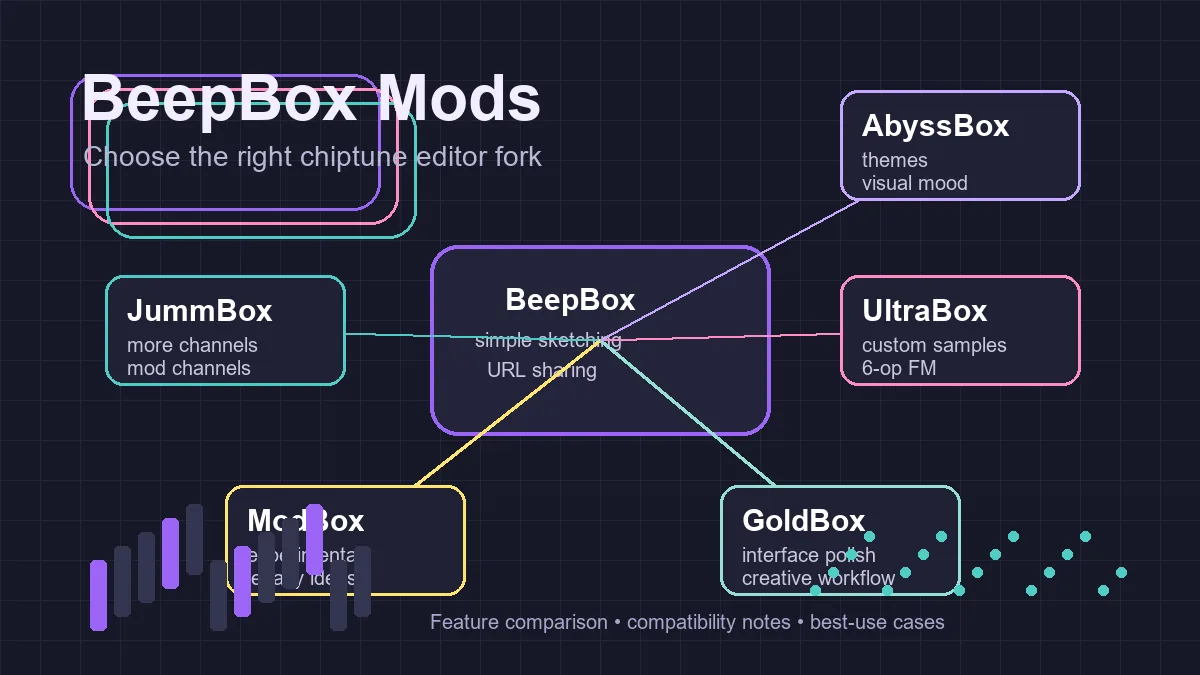
AbyssBox is a BeepBox-family browser music editor maintained by choptop84. Its own README describes it as a modification of UltraBox, which itself traces back through GoldBox, JummBox, and the original BeepBox. That family tree matters because the editors share a familiar pattern grid, instrument panels, and URL-based song saving, while each fork can add its own interface choices, themes, settings, and compatibility quirks.
The official AbyssBox README also points users to a main release page and a source repository. That makes AbyssBox a real fork to evaluate, not just a nickname for UltraBox. If someone sends you an AbyssBox song link, open it in AbyssBox first. If you later want to move the idea into UltraBox, keep the original URL and test every instrument before changing the song.
AbyssBox vs UltraBox Feature Comparison
| Decision point | AbyssBox | UltraBox |
|---|---|---|
| Best use | Opening AbyssBox-specific links, exploring its theme direction, or following a community workflow built around the fork. | Building larger BeepBox-family tracks with broad feature coverage, custom samples, SoundFonts, and documented offline options. |
| Project lineage | Described by its source README as a modification of UltraBox. | A broad BeepBox mod that combines features from many forks into one editor. |
| Learning curve | Familiar if you already know BeepBox-style editors, but the fork-specific behavior should be checked as you work. | More documented on this site, with dedicated guides for saving, samples, SoundFonts, downloads, and editor comparisons. |
| Custom samples | Use the fork's current behavior and test hosted sample links before depending on them. | Best supported by the site's UltraBox samples guide, SF2 to WAV guide, and audio to JSON guide. |
| Offline workflow | Check AbyssBox's current release/source pages before downloading or packaging anything locally. | Use the official UltraBox download guide, now checked against the latest GitHub release. |
| Best next step | Open the official AbyssBox release if your song or community source expects it. | Use UltraBox when you want one main editor for sketching, arranging, sample management, backup, and export planning. |
Choose AbyssBox When the Fork Itself Is the Point
AbyssBox is the right starting place when the search intent is specifically "AbyssBox." That usually means one of three things: you want to open the official AbyssBox editor, you found an AbyssBox song link, or you are comparing BeepBox forks and want to understand what this branch does differently. In those cases, a generic UltraBox answer can be frustrating because it does not match the exact interface or community context the user is trying to reach.
It also makes sense when you like trying community forks for their personality. BeepBox-family editors often keep the same basic composition model but change the feel around it: colors, themes, menus, defaults, and small workflow details. If that is what you are exploring, use the official AbyssBox release rather than a third-party mirror or unrelated "Abyss" result.
Choose UltraBox When the Song Needs a Broader Workflow
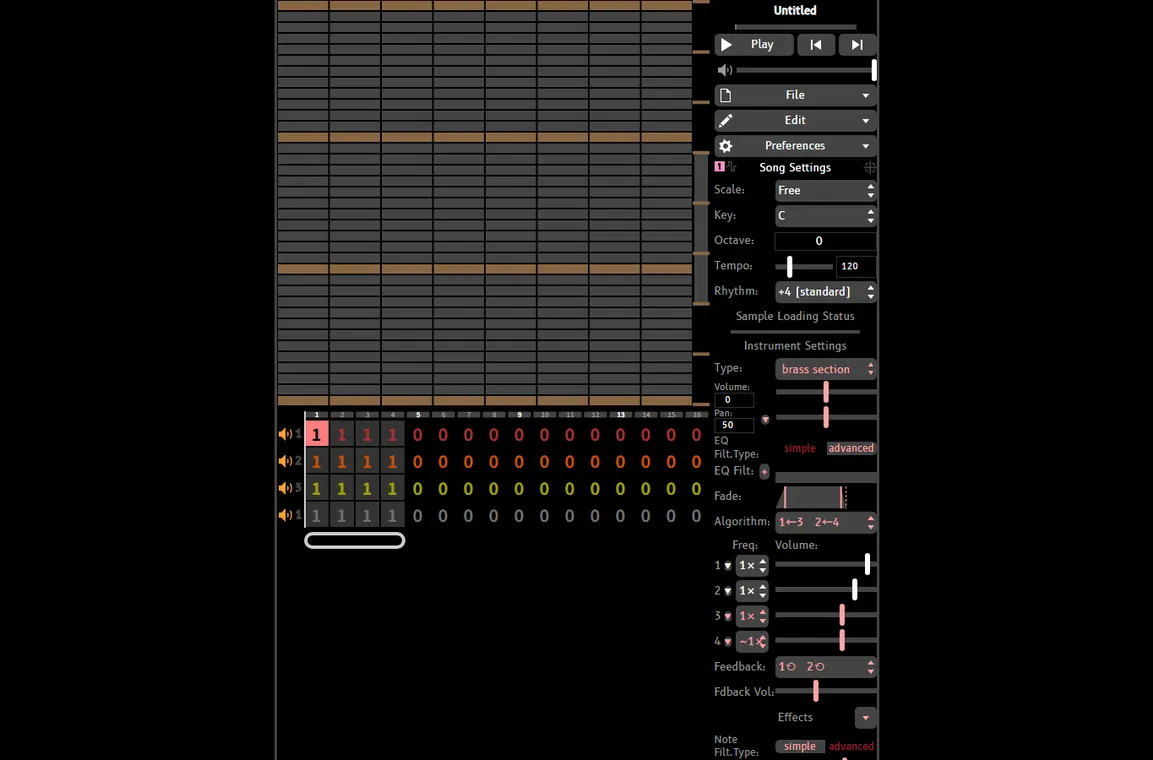
UltraBox is the better default when the project is already growing beyond a quick test. If the song needs custom drums, longer sections, several layered parts, imported audio, or a recoverable offline workflow, UltraBox has more supporting documentation and a clearer path on this site. Start with the editor, then use the supporting guides when the song hits a specific problem.
For example, if you want to use custom samples, the first problem is not choosing a fork; it is making sure the sample URL is public, direct, and browser-loadable. If you are using SoundFonts, convert the useful instruments into individual WAV files before importing. If you are sharing a finished piece, keep the complete song URL and a backup note with every sample source.
Can You Move Songs Between AbyssBox and UltraBox?
Treat transfer as a test, not a promise. BeepBox-family editors often share the same broad URL-saving idea, but fork-specific features can change how a song behaves. A simple melody may move cleanly, while a song that relies on a fork-specific setting, theme, instrument behavior, or custom sample detail may need manual repair.
- Keep the original AbyssBox URL unchanged.
- Open the song in the intended target editor and listen from start to finish.
- Check instruments, rhythm, tempo, loop points, effects, and any custom sample references.
- Save a new copy in the target editor before making major edits.
- Keep notes about which fork created the original song so future collaborators know where to reopen it.
If you are preparing a public release, do not rely on one URL as your only backup. Follow the UltraBox saving workflow: keep the song URL, export an audio reference, save editable data when available, and preserve any custom sample files or direct sample URLs.
What About Vocaloid-Style BeepBox Mods?
Similarweb surfaced a related question: whether any BeepBox mods have Vocaloids. The practical answer is more cautious than a simple yes or no. BeepBox-family editors are strongest at instrumental pattern writing. For vocal-like parts, most users work with short vocal samples, vowel-like synth patches, formant-style sound design, or external vocal tools that are later sampled into the editor.
If you want a real Vocaloid-style singing workflow with lyrics, phonemes, and voicebank control, a dedicated vocal synth is a better starting point. If you only need vocal chops, spoken hits, or choir-like textures inside a chiptune track, UltraBox's custom sample workflow is usually the more practical route. Prepare the audio outside the editor, host it as a direct file, then import the sample URL.
Recommended Workflow by Search Intent
Use AbyssBox when...
- You searched for AbyssBox by name.
- You need to open an AbyssBox community song link.
- You want to inspect choptop84's fork directly.
- You are comparing the personality of different BeepBox mods.
- You are checking fork-specific source or release notes.
Use UltraBox when...
- You are starting a new production-focused chiptune track.
- You need custom samples, SoundFonts, or hosted audio URLs.
- You want offline Windows, macOS, Linux, or HTML files.
- You need a stronger documentation path for saving and export.
- You want one editor to grow from sketch to finished arrangement.
FAQ
What is AbyssBox?
AbyssBox is a BeepBox-family online music editor maintained by choptop84. Its source README describes it as a modification of UltraBox, which is itself part of the wider BeepBox mod lineage.
Is AbyssBox better than UltraBox?
Not universally. AbyssBox is better when you specifically want AbyssBox. UltraBox is better when you want the broadest documented workflow for custom samples, offline use, and larger arrangements.
Is AbyssBox official UltraBox?
No. AbyssBox is a related fork. Use the official AbyssBox repository and release page for AbyssBox, and use the official UltraBox editor or download guide for UltraBox.
Can I make vocal or Vocaloid-style sounds in AbyssBox or UltraBox?
You can make vocal-like textures or import short vocal samples, but a full Vocaloid-style lyric and voicebank workflow belongs in dedicated vocal synth software. For chiptune vocal chops, prepare audio externally and import it as a custom sample.
Where should I go after this comparison?
If you want the broad fork overview, read the BeepBox mods guide. If your shortlist is a simpler editor versus UltraBox, read JummBox vs UltraBox. If you are ready to compose with samples, start with the UltraBox samples guide.
Sources and verification
Checked July 10, 2026. The AbyssBox facts in this guide come from the public AbyssBox source README and official release page linked by that README. UltraBox version/download facts were checked against the official UltraBox GitHub Releases page during the same update.